Fractal +
A downloadable game for Windows
Fractal+
Dive into living fractal worlds in real time.
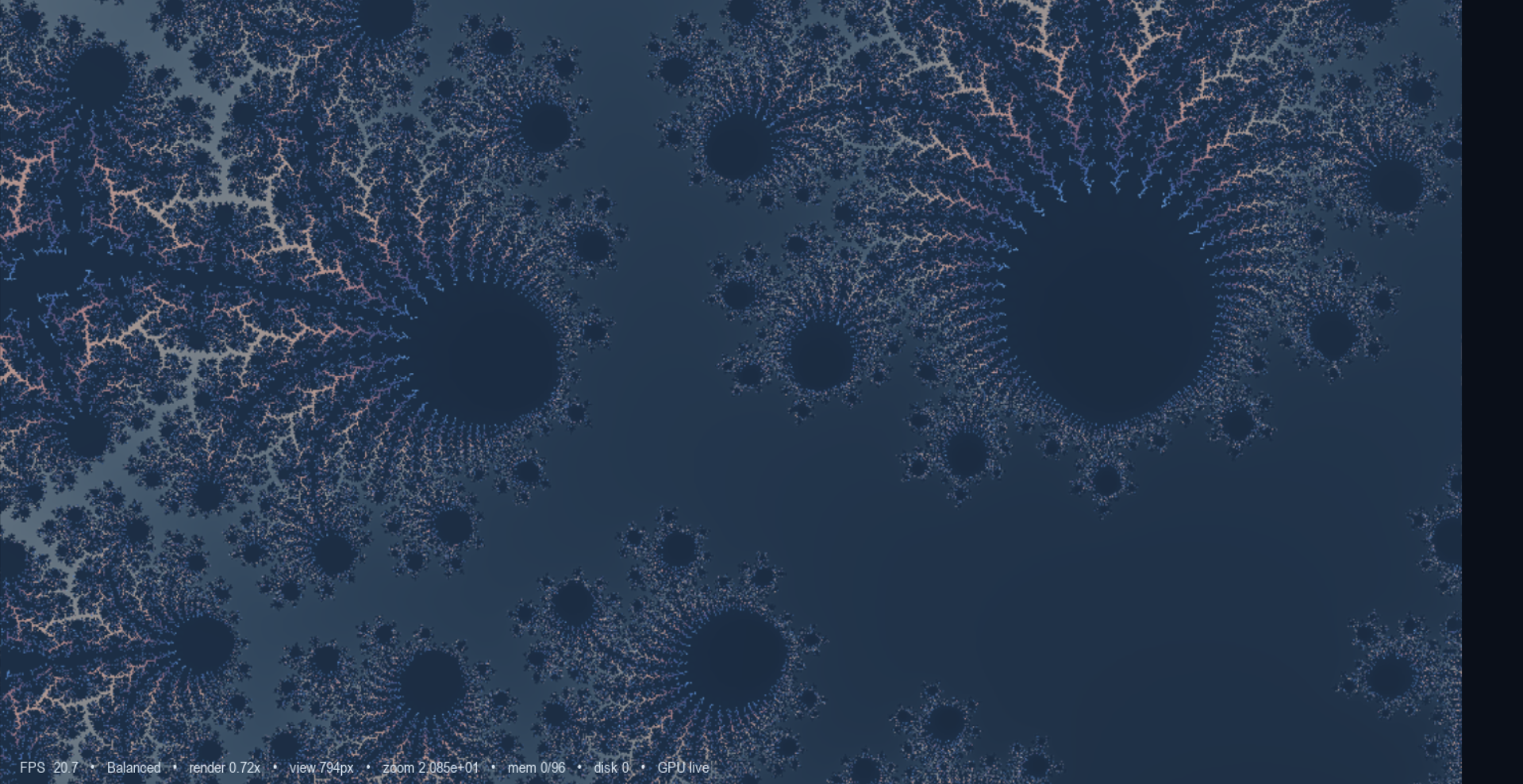
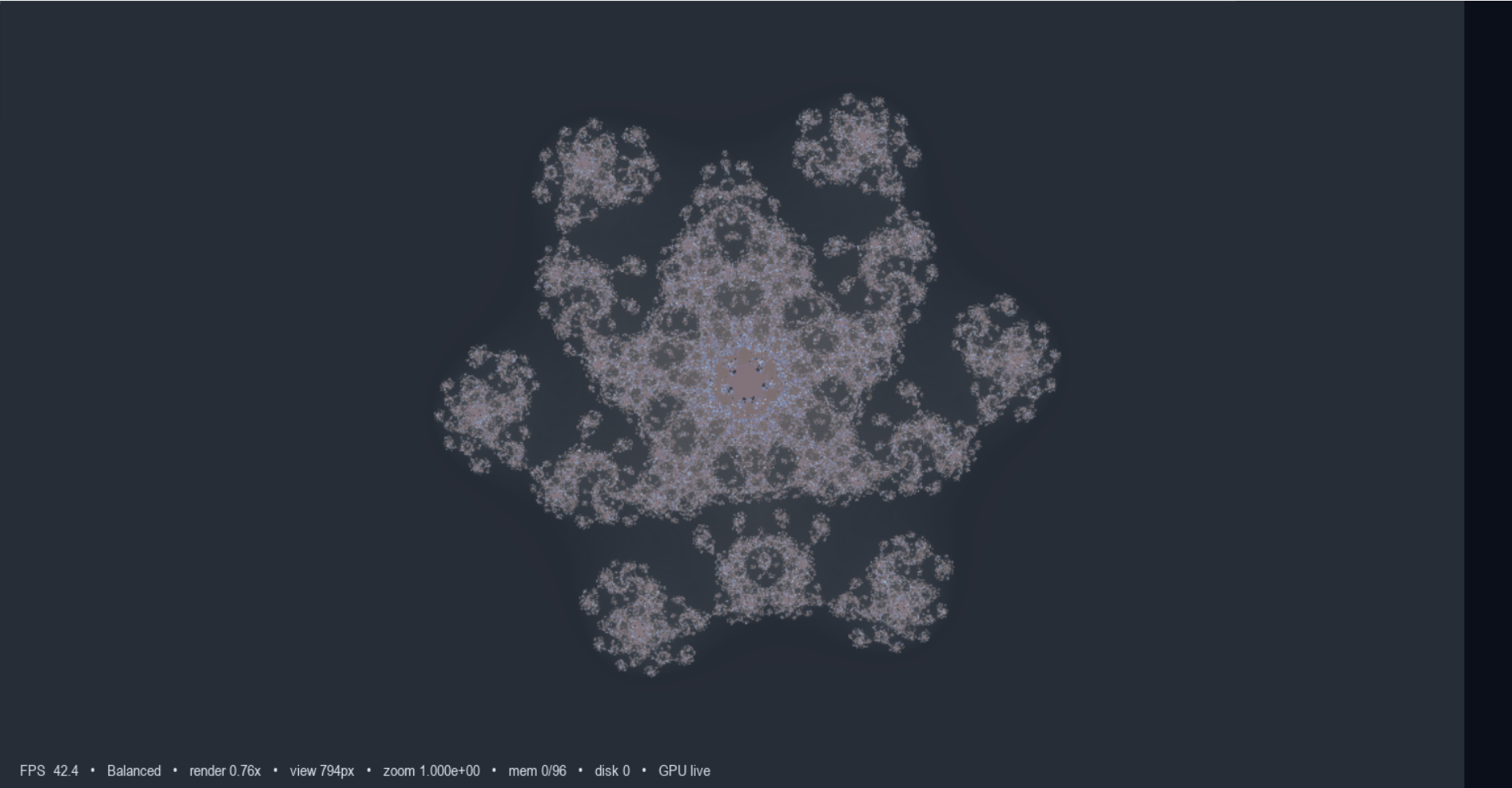
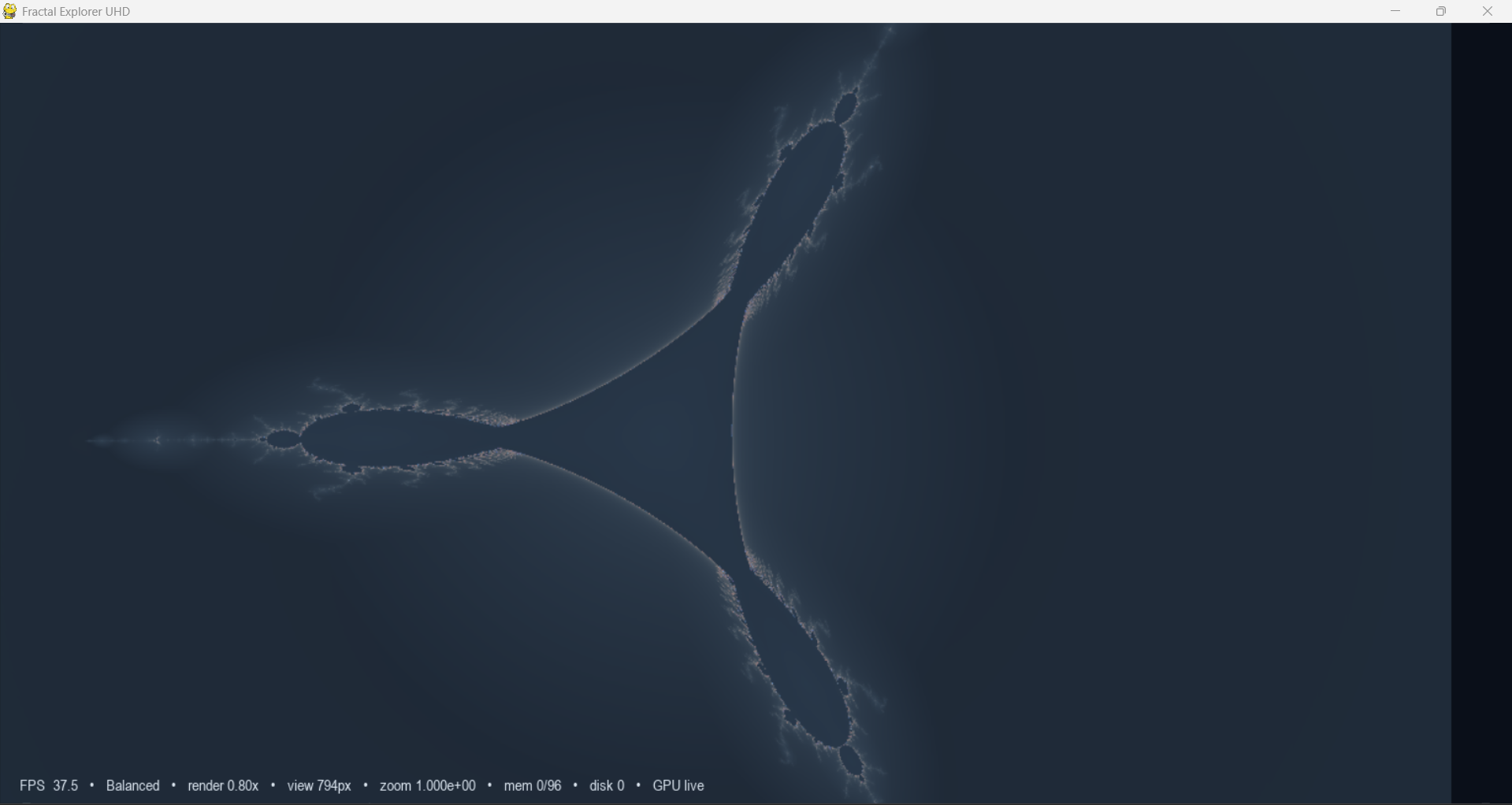
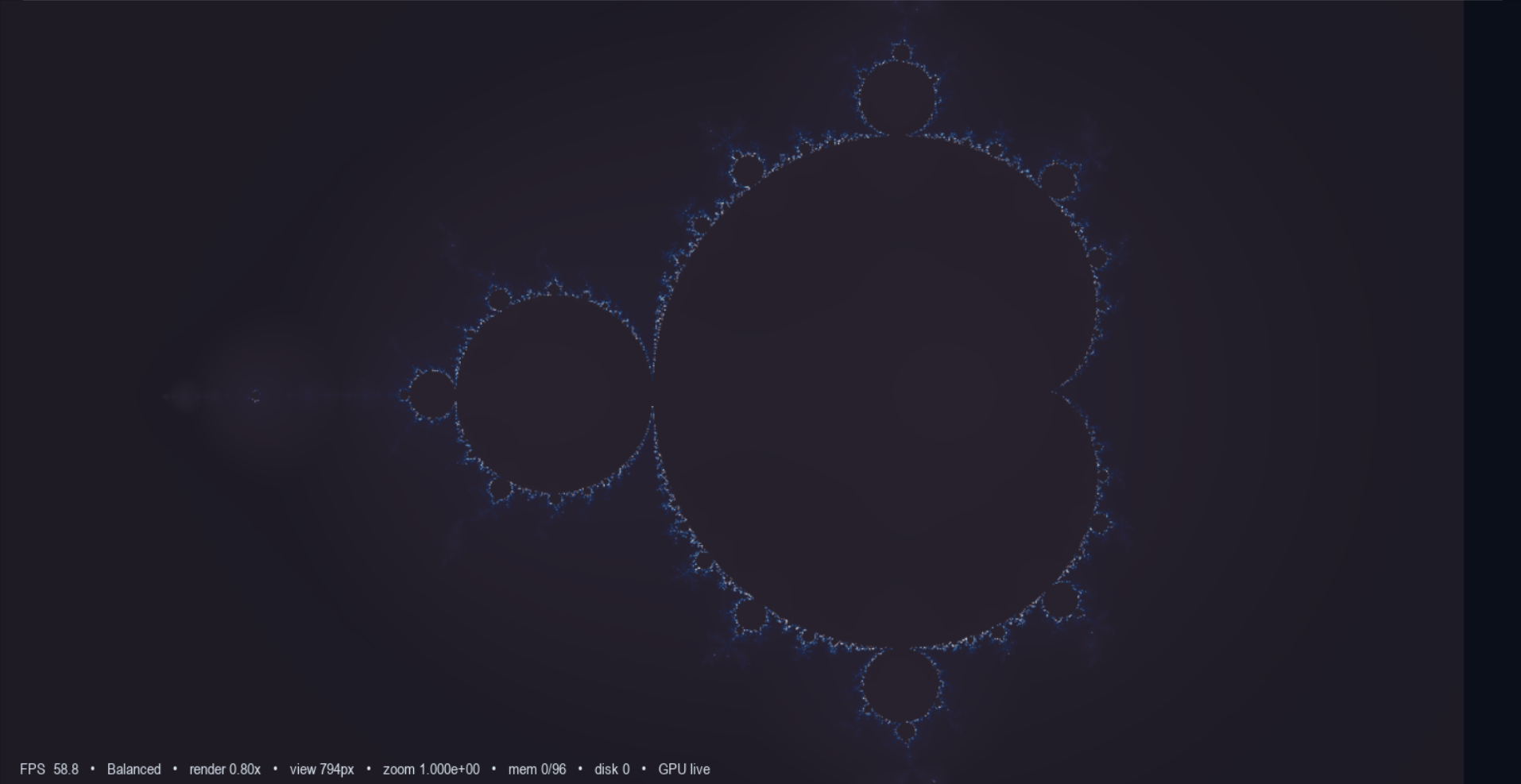
Fractal+ is a stylized real-time fractal explorer built with Python, pygame, and ModernGL, designed to make exploration feel fluid, cinematic, and alive instead of static and technical. It runs a live render loop, supports animation, deep exploration, quality profiles, fullscreen viewing, and 4K export.
Mac version coming soon.
Why Fractal+ Feels Different
Fractal+ is built around motion and atmosphere.
You are not just generating a still fractal image. You are moving through it, shaping the look live, adjusting color and glow, shifting animation speed and motion amount, and watching the world respond in real time. The interface exposes controls for animation, quality, export, fullscreen, sharpness, AA, and presets directly in the app.
It is meant to feel creative first:
- fluid exploration
- live visual response
- artistic color control
- cinematic motion
- fast switching between quality modes
Core Features
- Real-time fractal rendering
- Live pan and zoom exploration
- Adjustable animation speed and motion
- Auto quality mode
- Built-in quality presets like Laptop, Balanced, and Deep Zoom
- 4K export
- Record render ( work in Progress )
- Fullscreen support
- RAM and disk-cached deep tiles that return when revisiting areas
Custom Formula Lab - Make your own fractals.
Fractal+ includes a Custom Formula Lab that lets you push past presets and explore your own formula variations live. Tweak the real and imaginary update rules, apply them in-app, and turn the explorer into a sandbox for discovering entirely new looks and motion styles.
--
--------------------------------
Record render exports individual pixels and a json to turn into a easy gif or simple short mp4, best for gifs in this beta working on full video render,
Built For Exploration
Fractal+ presents the scene first, then composites the UI over it, which helps keep the experience focused on the fractal while still giving you direct access to controls and feedback. The app tracks live FPS in the main loop and continuously redraws the scene and interface while you explore.
That is why it feels more like navigating a visual space than just opening a render utility.
Best For
Fractal+ is a strong fit for:
- generative art lovers
- creative coders
- shader and graphics fans
- people who enjoy relaxing visual exploration
- users who want a more artistic fractal tool
- anyone who wants live fractal motion instead of only still renders
Comfortable minimum
- 4-core CPU
- 8 GB RAM
- GPU that supports OpenGL 3.3
- 1080p display, but expect to run reduced quality sometimes
Recommended sweet spot
- 6 to 8-core CPU
- 16 GB RAM
- dedicated GPU with solid OpenGL drivers
- something around GTX 1660 / RTX 2060 class or AMD equivalent
- SSD strongly recommended
Ideal / power user
- 8+ core CPU
- 32 GB RAM
- RTX 3060/4060 or better, or AMD equivalent
- fast NVMe SSD
What is likely hurting your old laptop most:
- integrated or older GPU with weak OpenGL throughput
- limited RAM
- weaker CPU when the app switches into deep zoom math
- laptop thermals causing clock throttling
- high display resolution combined with AA and fullscreen rendering
Your shader can use up to 8 AA samples, and the code also scales render targets and iterations based on detected hardware, so old laptops can get buried fast if render scale, AA, animation amount, and detail are all high together.
Specifically, the most important hardware priority is:
GPU first, then RAM, then CPU
Reason:
- normal navigation and live look = mostly GPU-bound
- deep zoom precision work = CPU/RAM matter more
- tile cache and scene reuse benefit from SSD too
Best value target
- Intel i5 / Ryzen 5 or better
- 16 GB RAM
- dedicated GPU
- SSD
- OpenGL 3.3+ support with good drivers
Thank you please give me feedback of what you would like to see in the next update !
like us on our facebook:
Submit your findings to be featured on the page w name!!
https://www.facebook.com/profile.php?id=61575594385187
consider donating to help see more development and apps like this !
Download
Click download now to get access to the following files:
Development log
- Fractal Plus Gif Creaton6 days ago
- i suck at packaging exes lol8 days ago

Leave a comment
Log in with itch.io to leave a comment.