MD Present Flow
A downloadable tool
A simple Markdown, flowchart, and presentation workspace for keeping ideas, reports, notes, and records organized.
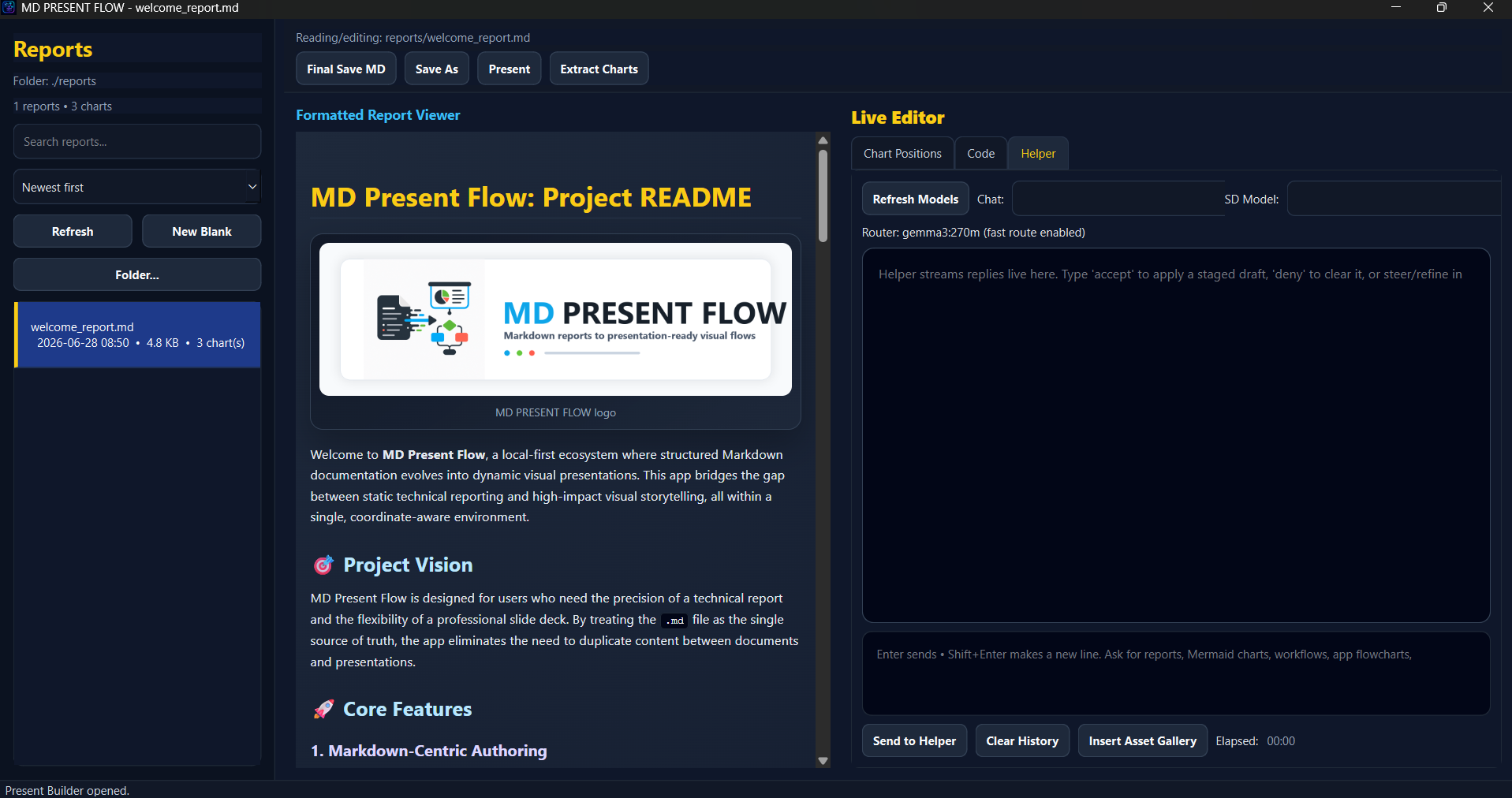
MD Present Flow lets you create, import, edit, preview, and present Markdown files in one clean desktop app. It is built for people who want a practical way to write reports, map out ideas, build Mermaid flowcharts, and present everything without bouncing between different tools.
What You Can Do
- Create new Markdown files
- Import and edit existing Markdown files
- Preview Markdown while you work
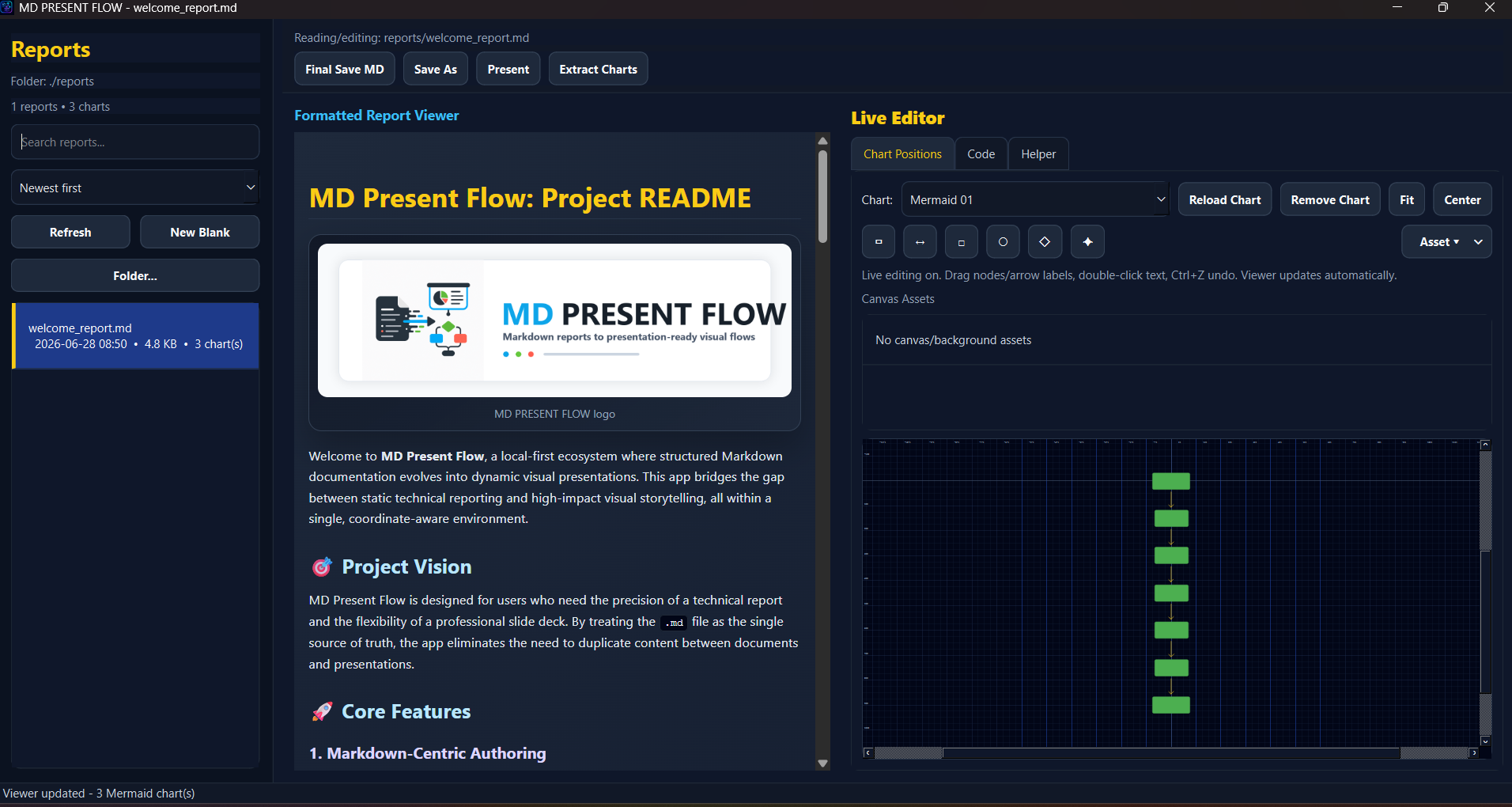
- Build and edit Mermaid flowcharts
- Use a visual line/node editor to help place flowchart elements
- Add flowchart backgrounds and images
- Save reports for records, planning, documentation, or presentations
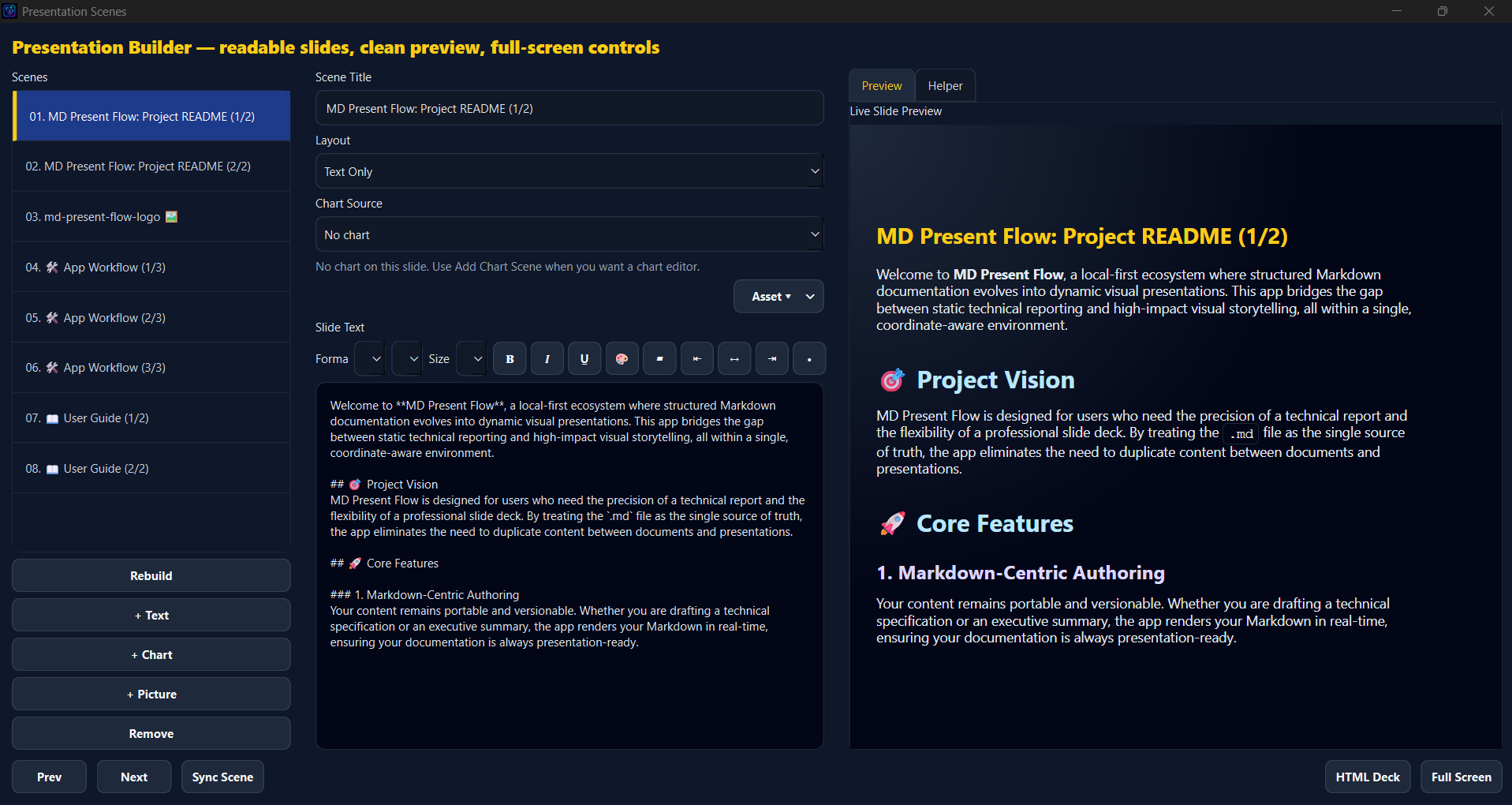
- Present your Markdown as a clean slide-style workflow
Optional Local AI Features
MD Present Flow supports optional local AI tooling for users who want AI help without relying on cloud services.
- Ollama support for local AI helper features
- Stable Diffusion hook-up for local image generation
- Users choose their own models and checkpoints
- Markdown, flowcharts, and Present Mode work without AI
Quick AI Setup
AI features are optional. The main Markdown, flowchart, and presentation tools work without AI.
For local AI helper features:
- Install Ollama.
- Start Ollama and leave it running in the background.
- Download a local model in Ollama.( ollama pull )
- Open MD Present Flow and select/use your local model from the AI tools.
For Stable Diffusion image generation:
- Use your own local Stable Diffusion model/checkpoint.
- Select the SD model inside the app when using image generation tools.
- Generated images can be used inside reports, notes, and presentation workflows.
( Must be put in the SD folder on root )
Lora's coming soon!
MD Present Flow does not include large AI models by default. Users choose and manage their own local AI setup.
Best For
- Workflow planning
- Project notes
- Business reports
- AI-assisted documentation
- Mermaid flowcharts
- Presentations
- Keeping Markdown records in one place
MD Present Flow is built for creators, builders, students, small businesses, and anyone who wants Markdown + flowcharts + presenting in one desktop workspace.
Simple Workflow
-Input node shapes (Input names of your workflow)
--click <-> lines arrow to the draw your logic
-each button has a differnt use case one you save lines your flow chart is complete.
(AI Tools are made to help create flow charts just input your workflow)
- Create or import a Markdown file
Start a new report, notes file, workflow, or bring in an existing
.mdfile. - Edit and preview your content Write your Markdown and preview it inside the app while you work.
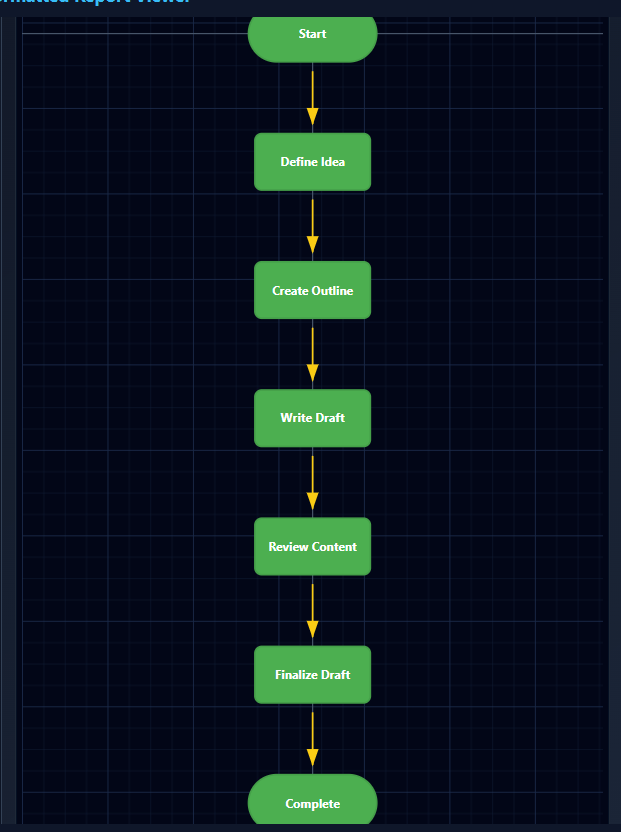
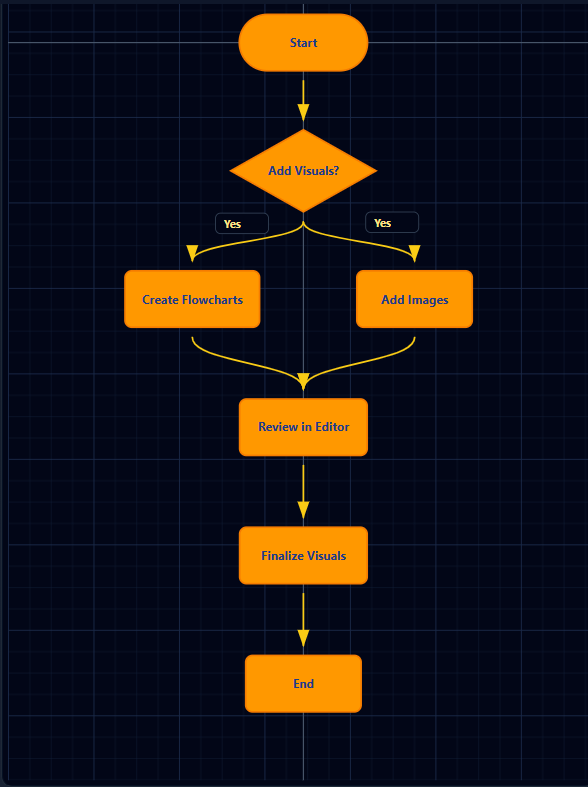
- Add Mermaid flowcharts Create or edit Mermaid flowcharts for plans, systems, business workflows, app logic, or records.
- Use the visual flow tools Use the visual editor to help understand node placement, flow direction, and chart structure.
- Add images or backgrounds Add report visuals, flowchart backgrounds, or supporting images when needed.
- Present your work Open Present Mode and use your Markdown file like a simple presentation.
- Optional local AI setup Run Ollama in the background for local AI helper features. For image generation, choose your own Stable Diffusion model/checkpoint.
First Launch Note
The app includes a welcome report inside the workspace that explains the main tools and gives you a starting example. You can keep it, edit it, or create a new Markdown file from scratch.
Consider Donating :) Submitted for a GAME TOOL JAM
Comment below if having issues and please give feedback :)
Download
Click download now to get access to the following files:
Development log
Leave a comment
Log in with itch.io to leave a comment.